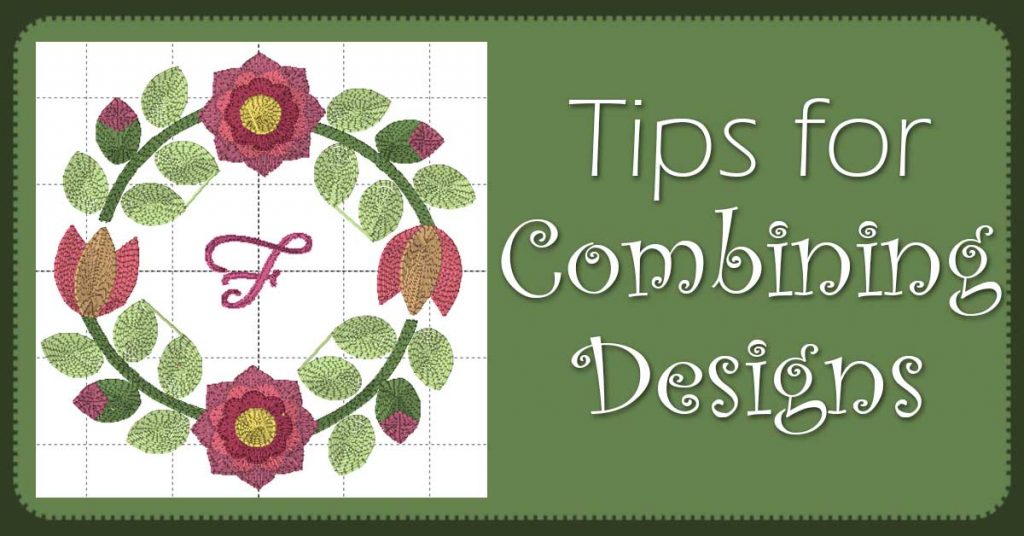
These tips will help guarantee success when combining embroidery design files.
One of the most fun aspects of purchasing embroidery designs is that you can combine them to create custom projects. Here are a couple of tips that will save you a lot of heartache in the process.
Protect the Original
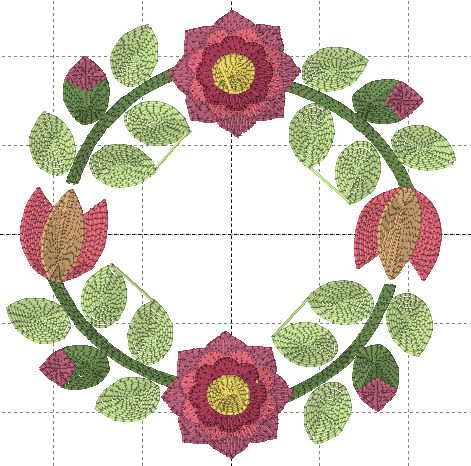
Always rename designs so that the original design is protected. If I have the Sycamore Rose 20 block from Stitch Emporium
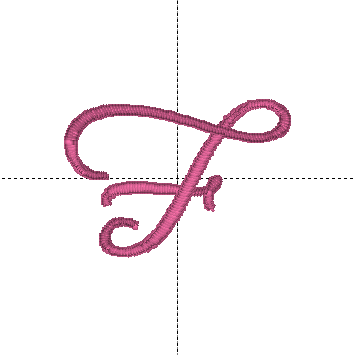
and I want to add a Swirls and Curls Font from Omas Place,
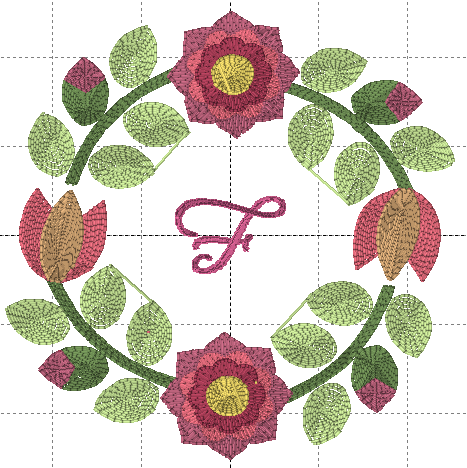
I will combine the two files in embroidery editing software to create a new file. Make sure to save the new file with a different name than either of the files from which it was made.
Save Working Files
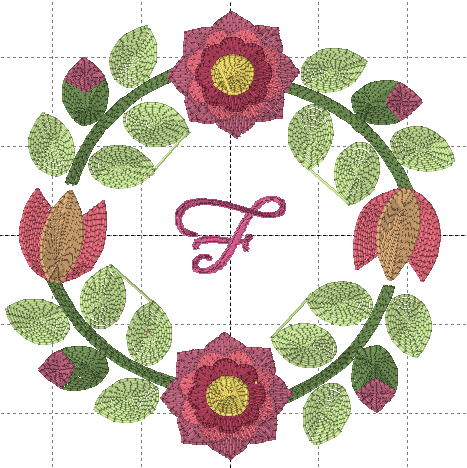
Working files allow you to continue to edit the designs as you wish. If I were creating several Sycamore Rose 20 blocks and changing up the single monogram inside, I could easily switch out the monograms by using the working file.
Once saved to your native embroidery format, the designs are fused together, so to speak. Without a working file, I would need to open the block and font files and combine them again to create a new file.
Hatch uses EMB as their working file format. Embrilliance working files are identified by the file extension BE. For Embird, you save the workspace file with an EEP extension. Whatever embroidery design editing software you use, always save a working file.