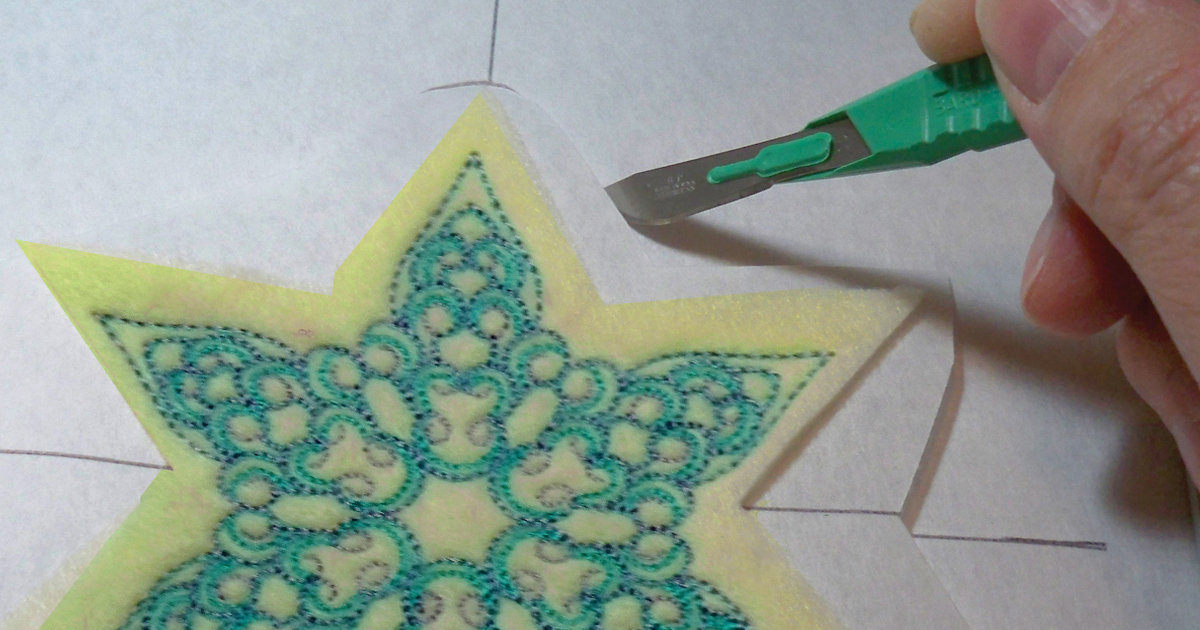
When you are stitching out several similar items, you can avoid hooping the stabilizer for every separate embroidery piece by creating a stabilizer window.
Which Stabilizers Work?
This technique works well when embroidering on items that are floated in the hoop, like felt shapes. You can use tear-away stabilizers and spray temporary adhesive on the back of the shape and the stabilizer patch but adhesive or sticky-back stabilizers work particularly well.
How It Is Done!
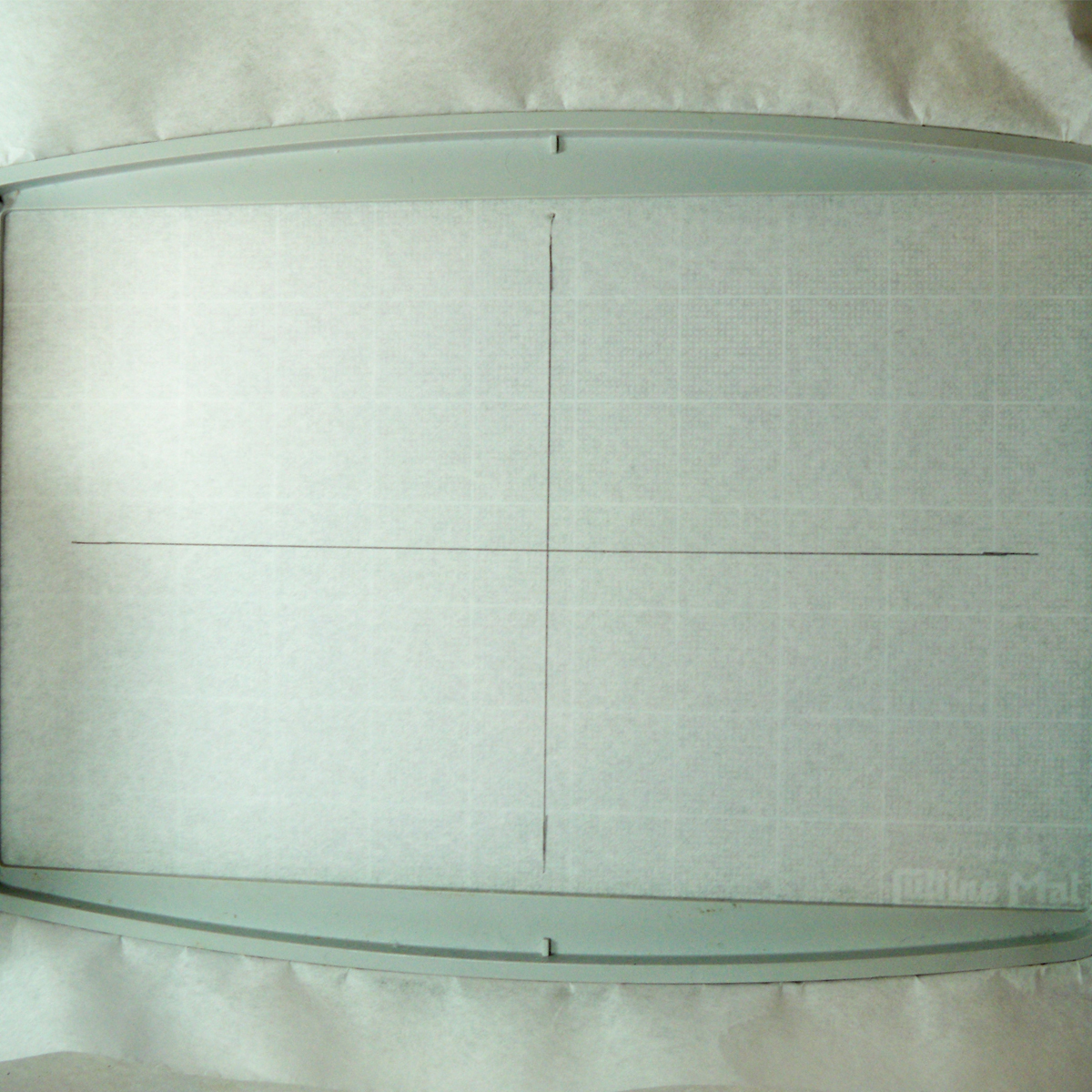
Start by hooping your stabilizer and drawing the horizontal and vertical centering lines on it.
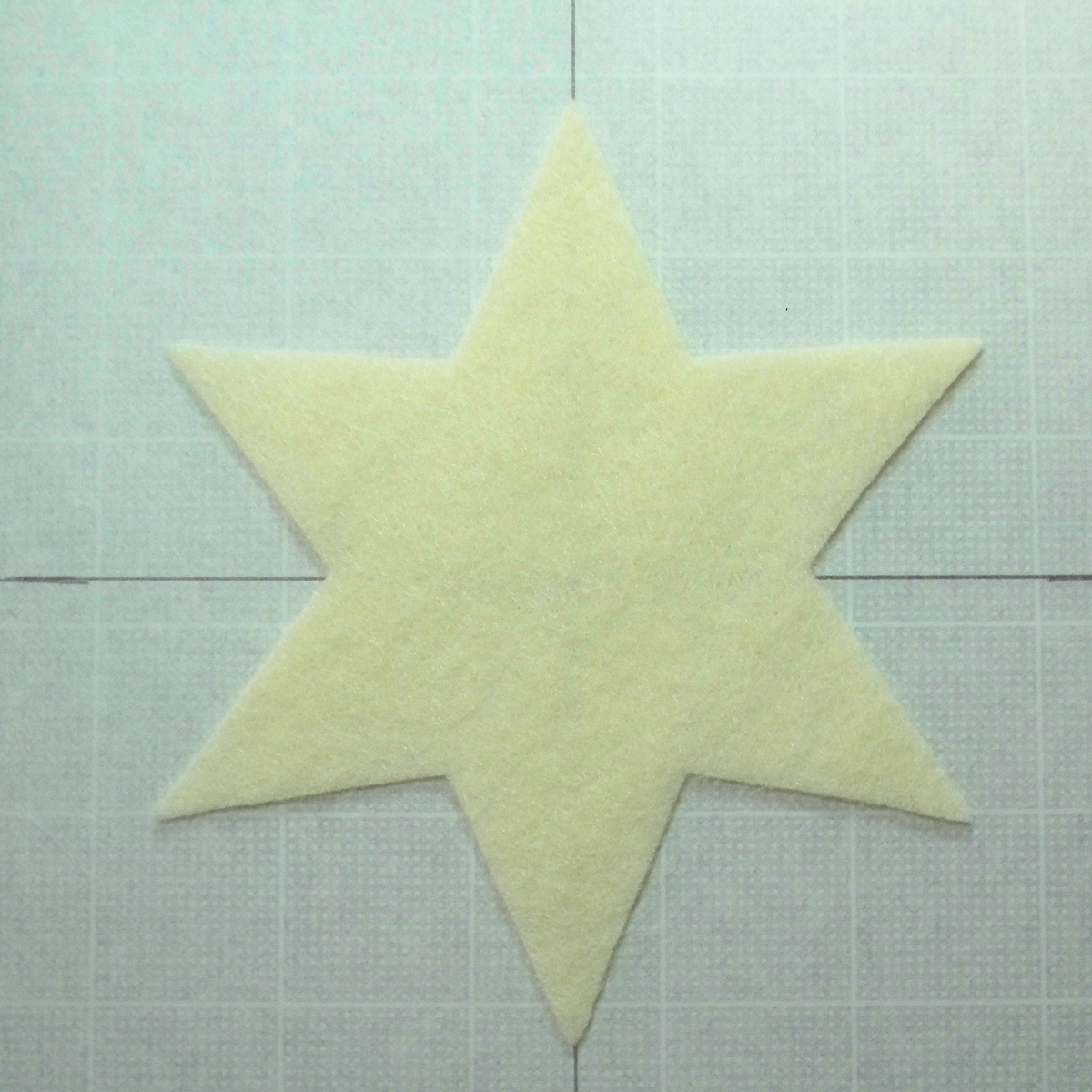
Add the item to be embroidered. Apply temporary spray adhesive or glue stick to the back of the item if you are not using a sticky-backed stabilizer that will hold it in place.
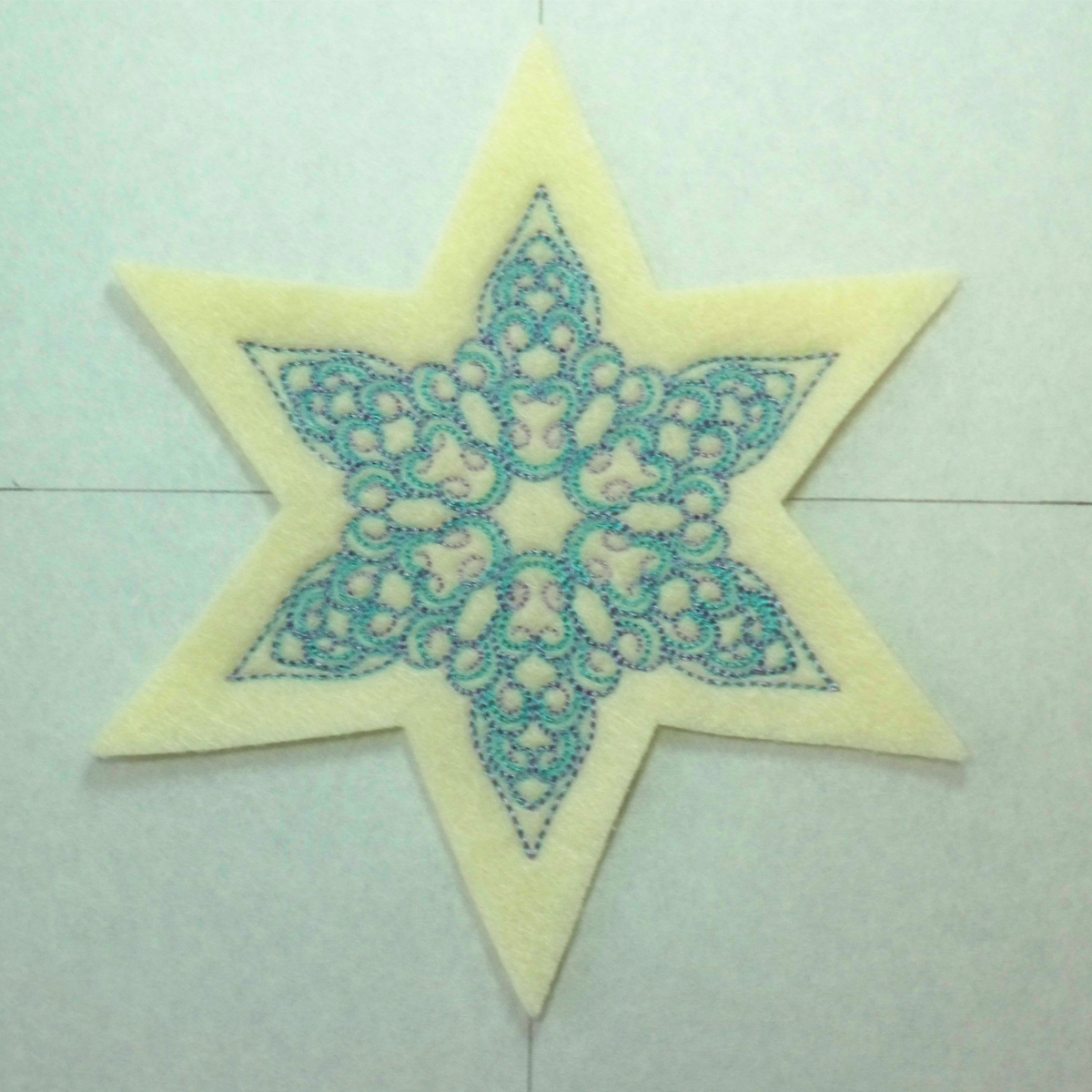
Embroider the design. This one is from the Shining Stars collection by Designs by Celeste.
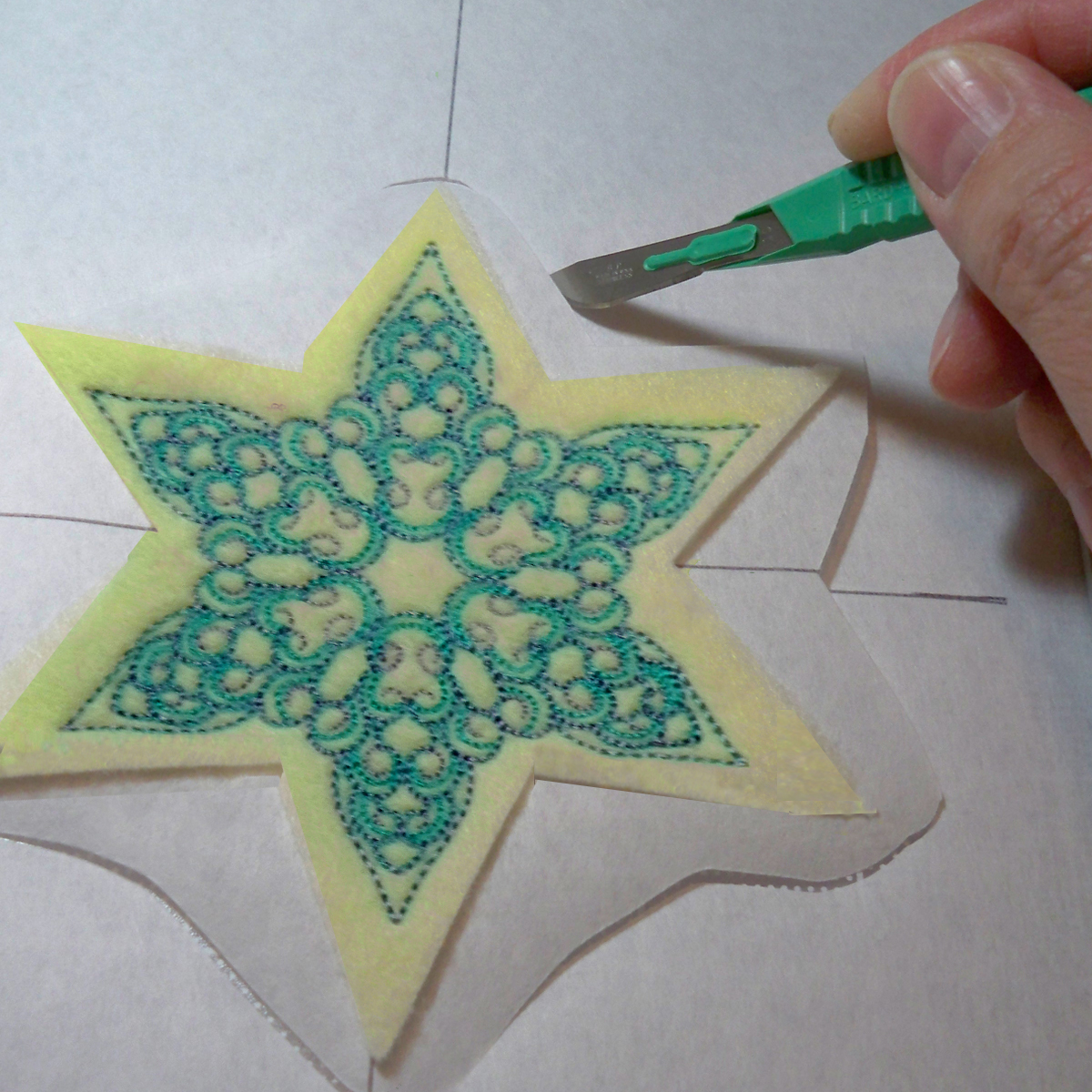
When the embroidery is finished, remove your hoop and place it on a safe cutting surface. Use a sharp cutting tool to completely cut around the design so that it creates a “window.”
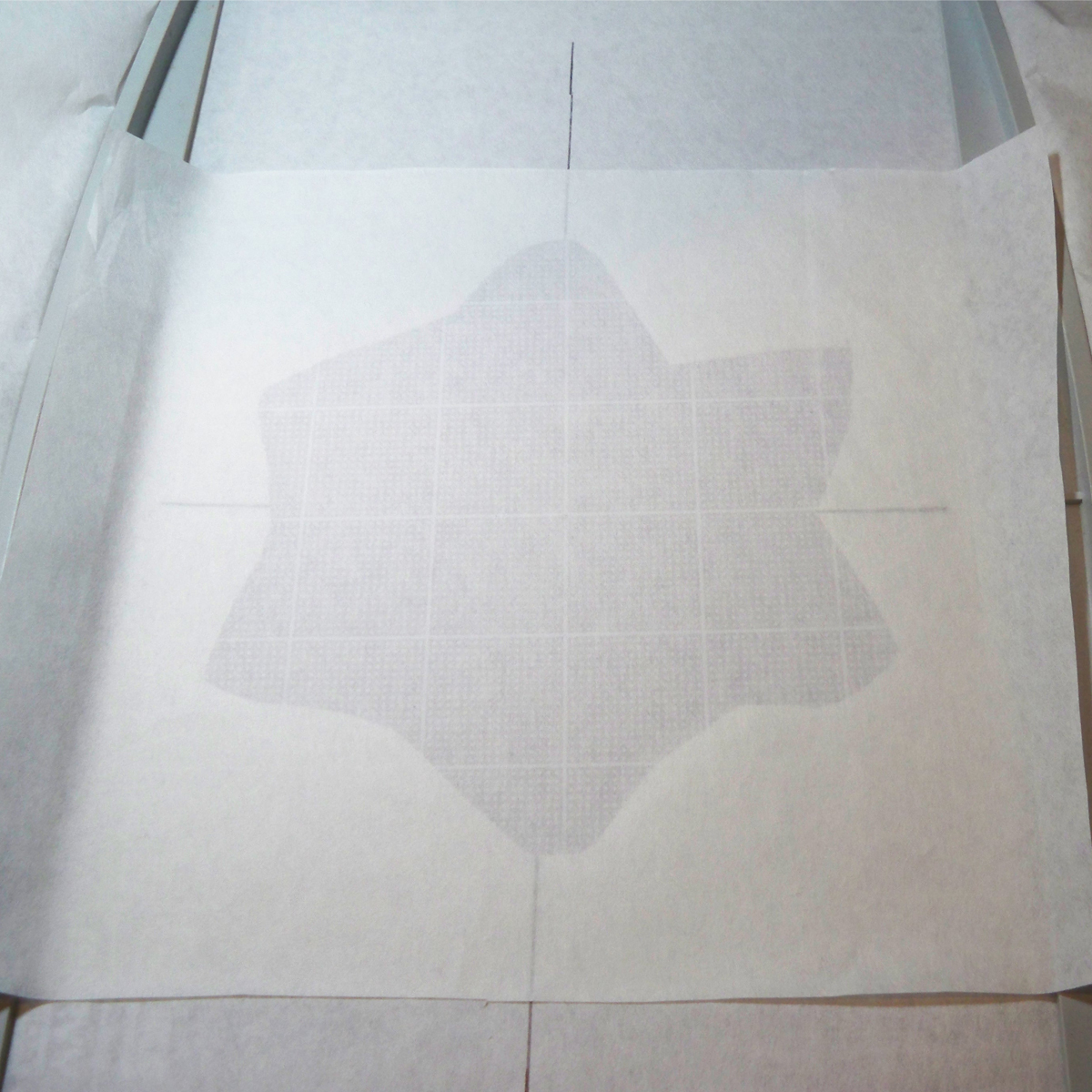
Cut another piece of stabilizer (sticky-backed stabilizers work extremely well) larger than the hole you just cut out of the hooped stabilizer. Peel away the protective paper layer and smooth out the sticky patch over the window.
The key is having a patch large enough to hold securely to the hooped stabilizer.
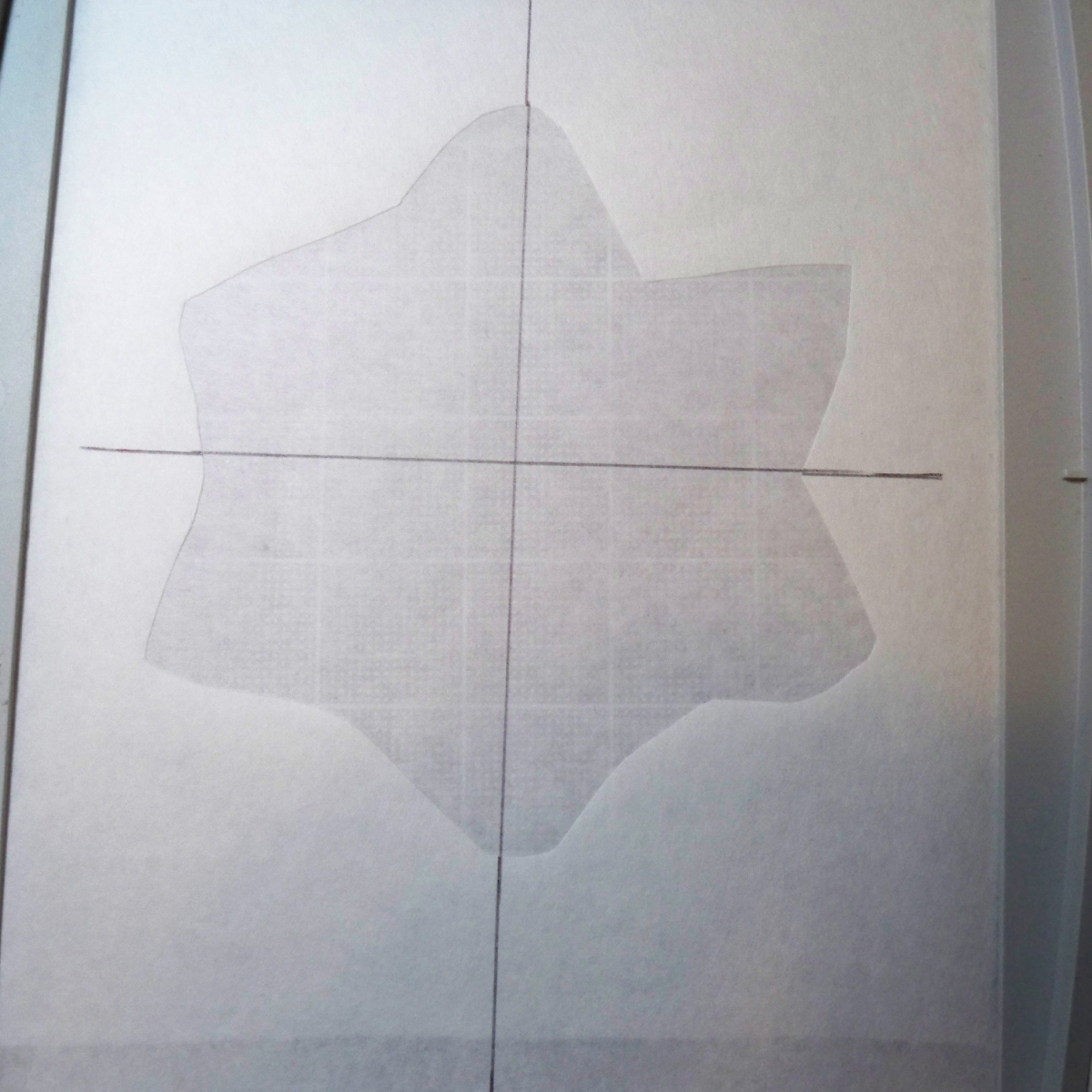
If you add the sticky stabilizer to the back of the window instead, it helps hold the next piece that you will embroider in place on the stabilizer. Just draw your centering lines and continue.
When embroidery is done, just peel off the sticky stabilizer patch from the window and it should take your embroidered item with it. If the items are not identical in size, you may need to trim some of the hooped stabilizer to release the embroidered piece.
Make sure that the stabilizer remains snug in your hoop. After a couple of times using the window technique, you will want to start with a new piece of stabilizer in the hoop as the framework will tend to sag.